
1
2
Teachers stay in control with clear insight
3
School leaders see progress school-wide
WLearn.me during daily classes
1
Teachers prepare with clarity
Before students even start, teachers can see where WLearn fits into the lesson, which learners may need extra support, and which goals should stay in focus. That creates order and structure before devices are opened.
2
Students learn independently, but not alone
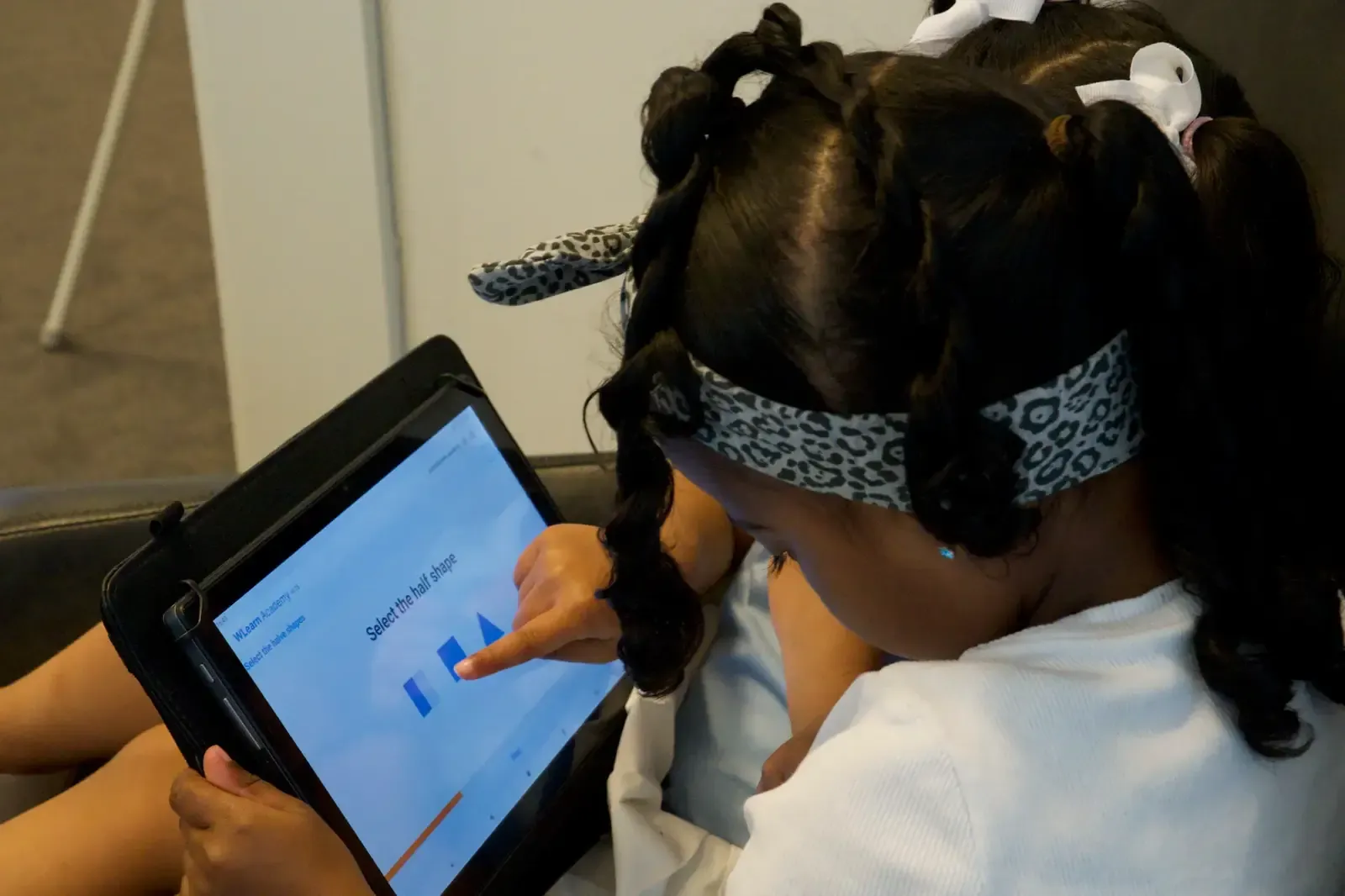
Children work on activities that feel active and achievable at their level. The platform gives them direction and momentum, while the teacher remains present to explain, encourage, and support when needed.
3
The dashboard helps the teacher notice what matters
Instead of trying to monitor every child only by observation, teachers can quickly see progress, struggles, and patterns. That makes intervention more timely and classroom support far more precise.
4
Progress becomes visible
Learning no longer disappears into isolated moments. Over time, WLearn helps teachers and school leaders see where growth is happening, where reinforcement is needed, and how classroom use is developing.
WLearn.me for students

Interactive games
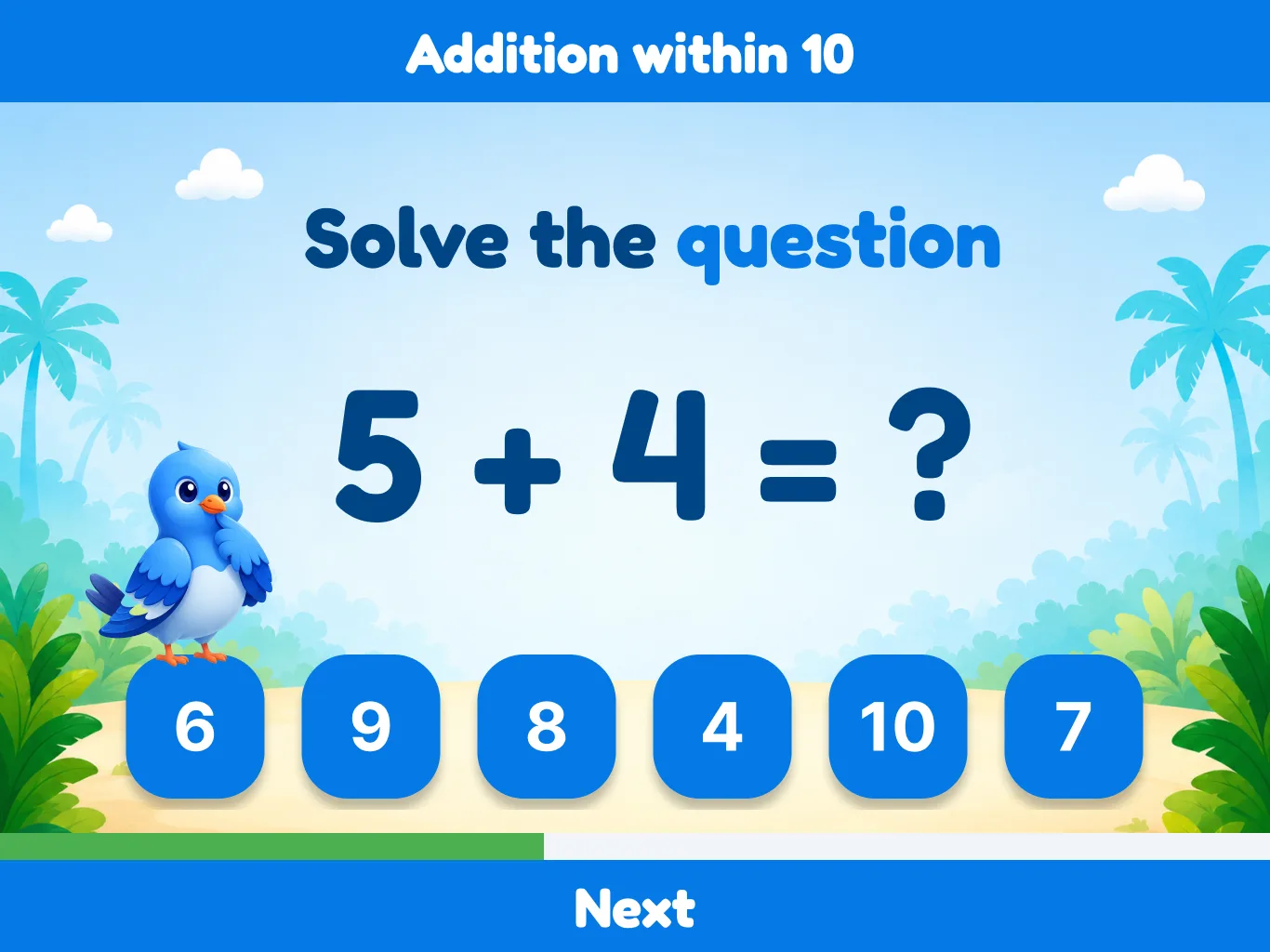
WLearn uses playful challenges to hold attention and make practice feel rewarding. Students are not simply clicking through worksheets. They are learning through movement, repetition, and meaningful feedback.
Personal learning
Not every learner needs the same pace, support, or amount of repetition. WLearn helps children keep working on material that fits their current level, which improves confidence and reduces frustration in the classroom.

Fun adventures
The experience is designed to feel engaging over time, not just for a few minutes. Adventure, progression, and reward help children stay motivated, which is especially valuable for learners who normally lose focus quickly.
How teachers teach

Hybrid classes
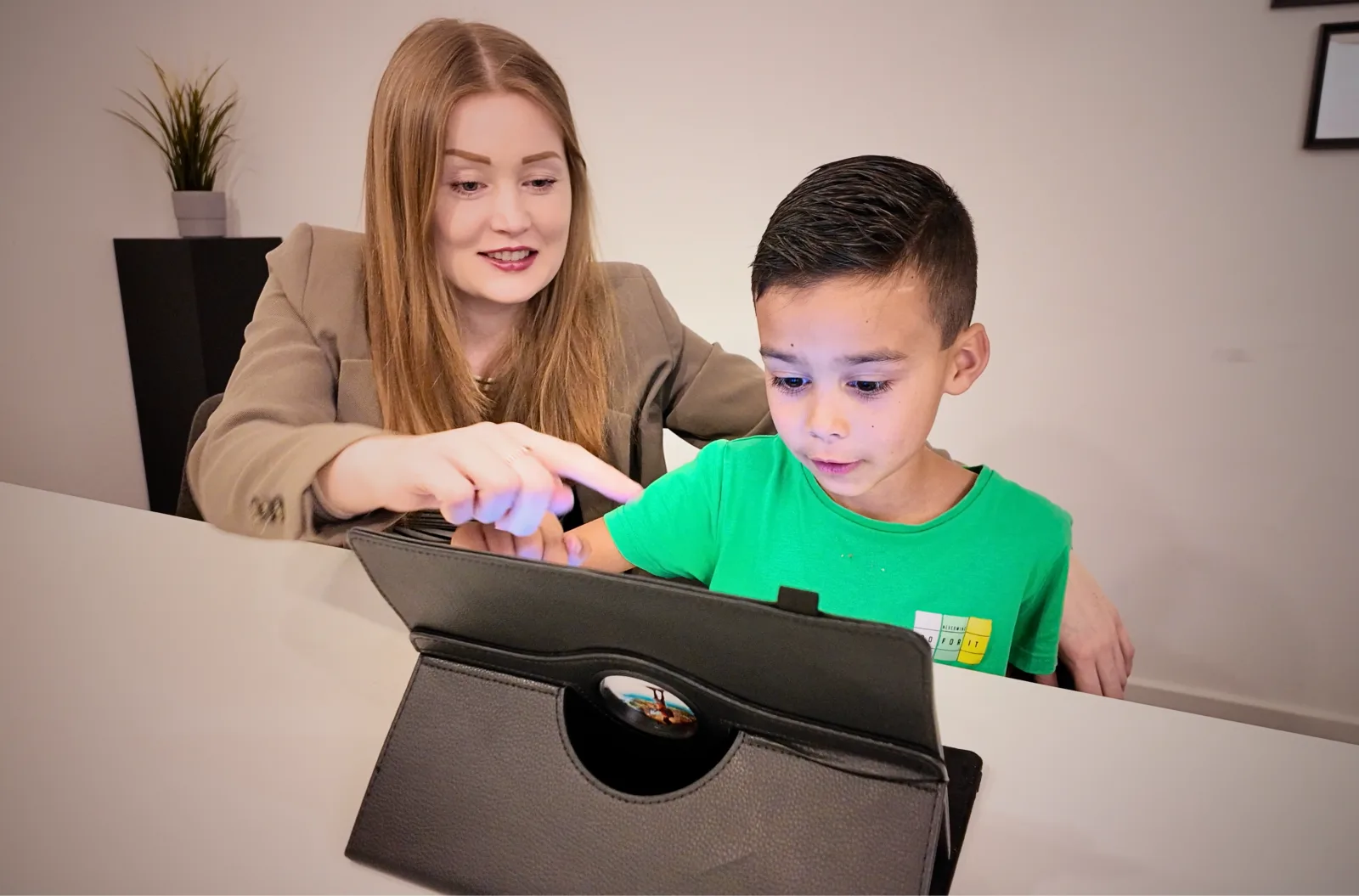
WLearn supports a classroom where digital learning and teacher-led guidance strengthen each other. Students can work independently for part of the lesson while the teacher focuses attention where it adds the most value.
Real-time progress
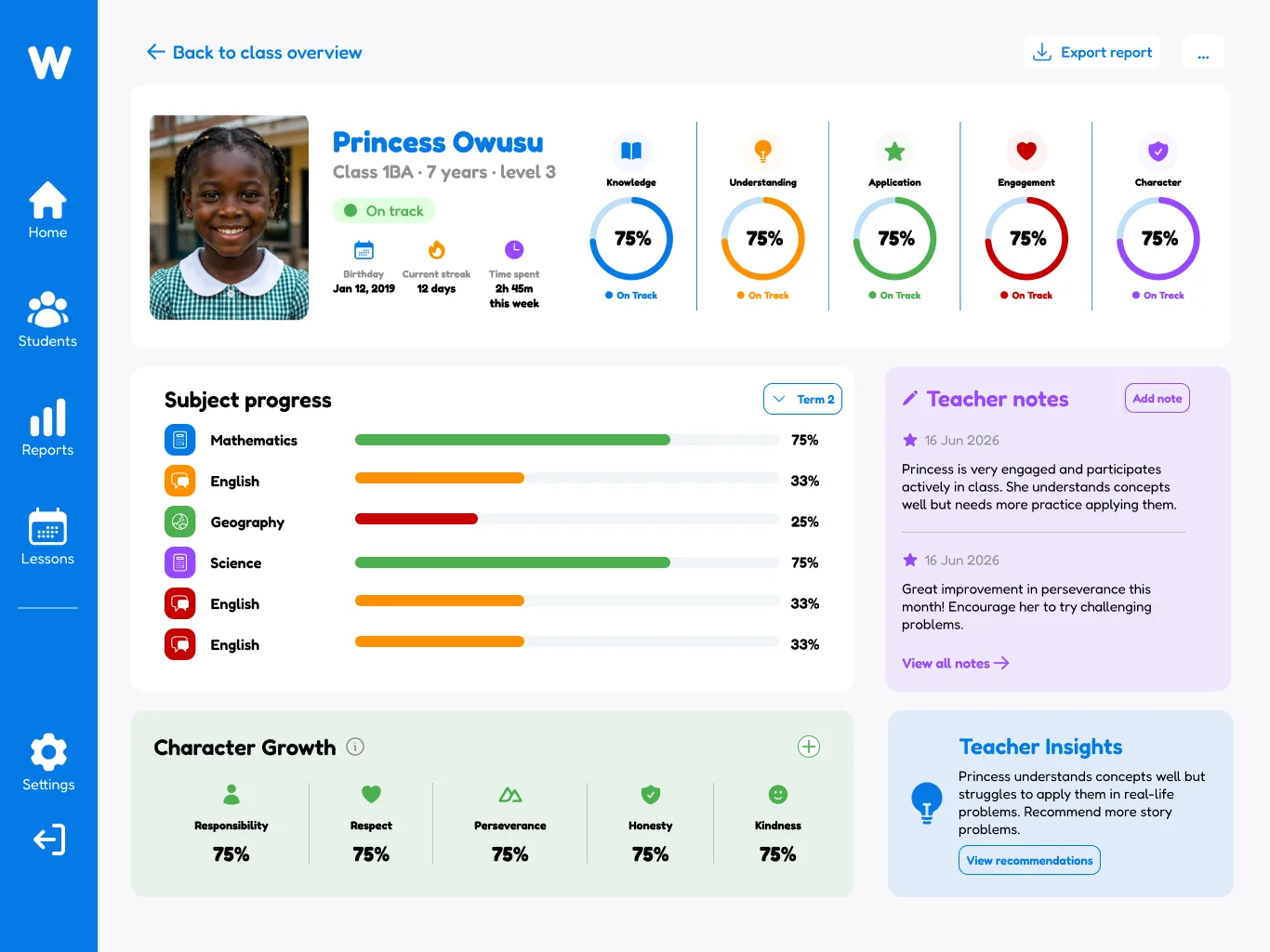
Teachers do not have to wait until the end of the week to understand how students are doing. WLearn makes progress visible during use, which helps teachers spot difficulty early and respond before students fall behind.

Time for teaching
When practice, repetition, and tracking are more structured, teachers spend less energy on constant checking and correction. That creates more room for explanation, coaching, and meaningful interaction with students.
How leaders guide

Data driven strategies
School leaders can move beyond general impressions and see how usage and progress develop across groups, classes, and time. That supports stronger planning, better coaching, and more informed educational decisions.
Pro-active guidance
Leaders do not need to wait for problems to become visible in reports or meetings. WLearn helps schools identify where support is needed sooner, making it easier to guide teams and strengthen implementation early.

Performance optimization
Over time, the platform helps schools compare what is working well and where routines can improve. This makes WLearn more than a classroom tool. It becomes part of a broader cycle of quality, reflection, and growth.

Hybrid E-Learning
WLearn partners with schools that are serious about innovation, structure, and student development. If that sounds like you, we’d love to talk.
*Limited onboarding capacity
Rollout
From first conversation to
confident long-term use
1. Explore fit
Start with the school context: goals, current tools, teaching approach, and practical needs.
2. Set up with guidance
Roll out devices, platform access, and staff understanding in a structured way.
3. Build confidence in daily use
Teachers learn how to use WLearn naturally in the classroom, not as a separate world.
4. Improve over time
Schools use the insights, support, and evaluations to strengthen results and consistency.